

From a CALIPRI export to fleet-wide analytics
WheelHub reads the CALIPRI open-standard XML (v3.0) and turns it into a live picture of your fleet — no new hardware, no integration project.
Your measurements, already in the right format
CALIPRI optical gauges record wheel profiles by laser light-section and export them as a documented, open-standard XML file. WheelHub speaks that format natively — nothing to install on the device. You map each vehicle type once, then upload its exports.
WheelHub is an independent product and is not affiliated with NEXTSENSE GmbH. We simply read the open export.
Four steps, set up once
Map each vehicle type once. After that, an export goes from the gauge to a fleet-wide view in minutes.
1 · Measure
Your team measures wheels with a CALIPRI optical profile gauge, exactly as they do today — against your existing measurement plans.
2 · Export and upload
CALIPRI writes an open-standard XML (v3.0) export. You upload it to WheelHub.
3 · Map the vehicle, once
The export doesn’t say which reading came from which wheel. The first time a vehicle type arrives, WheelHub drafts a measurement plan from the file: carriages, bogies, axles and scan order. You check it and save it. Every later export of that vehicle is placed automatically.
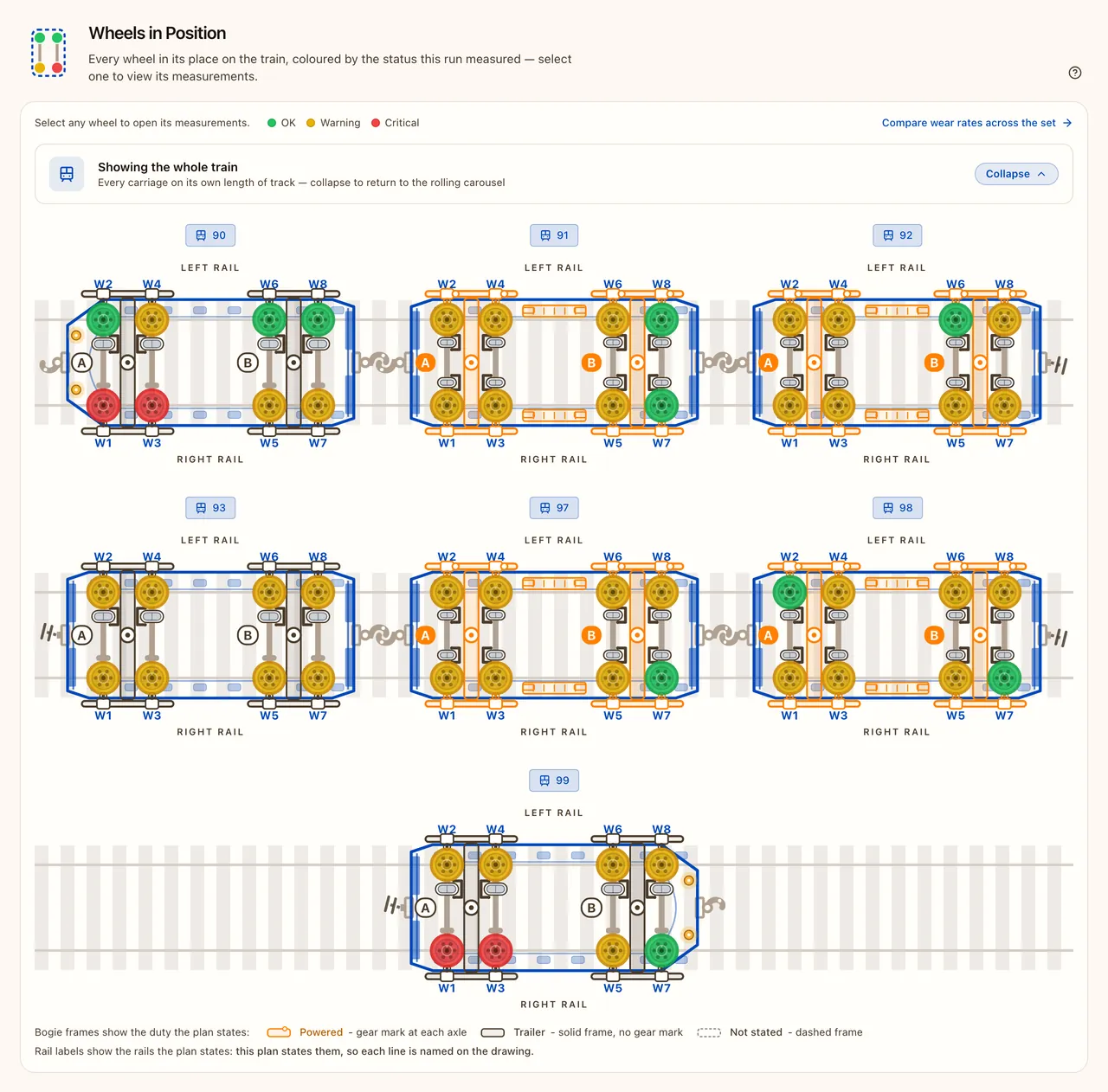
4 · Review and analyse
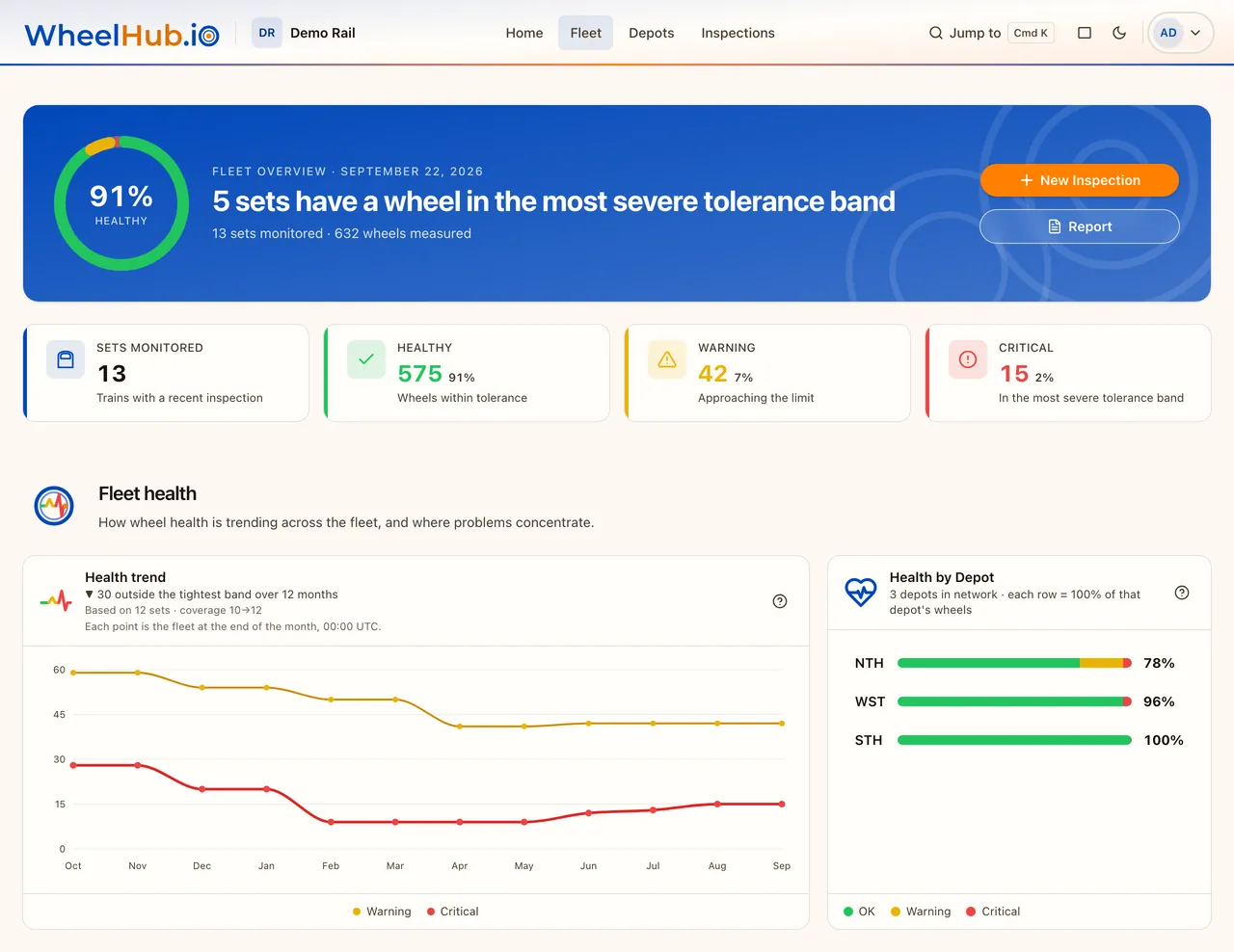
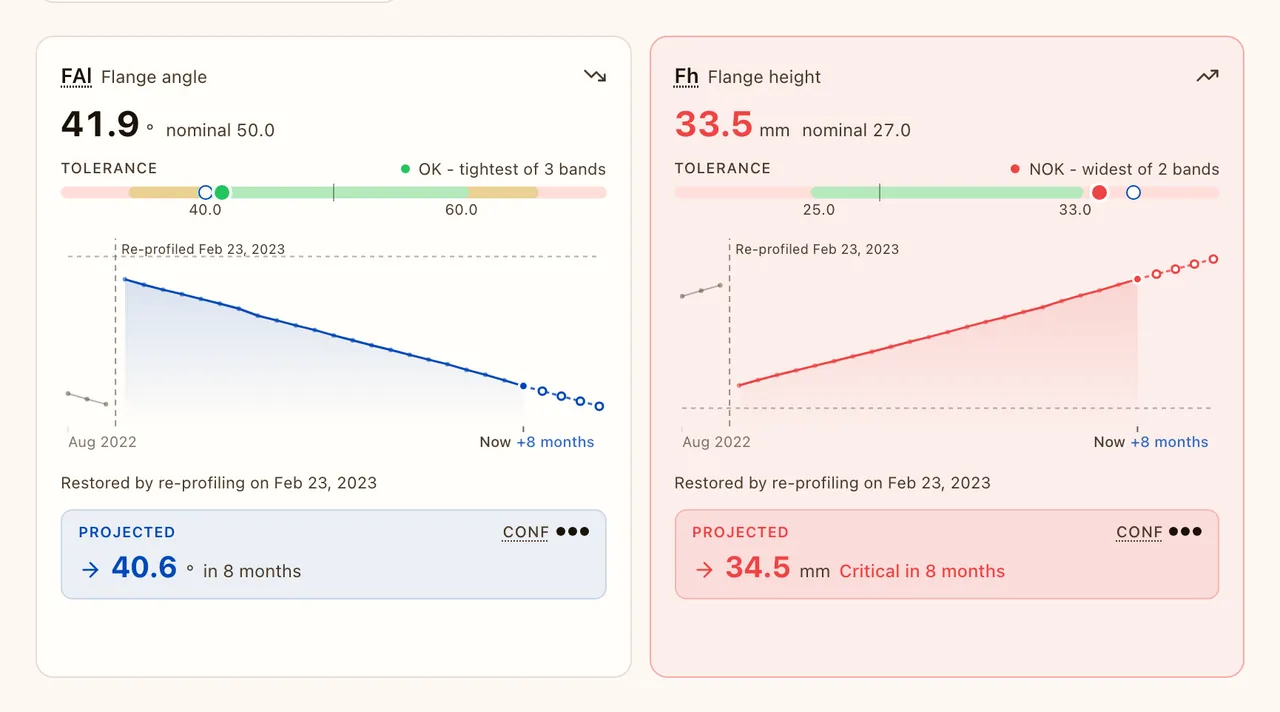
You confirm each upload against its plan. Every dimension is then classified against the plan’s tolerance bands, wear is trended across inspections, and you see when each dimension is forecast to reach a limit its measurement plan sets.
The wheels behind the data
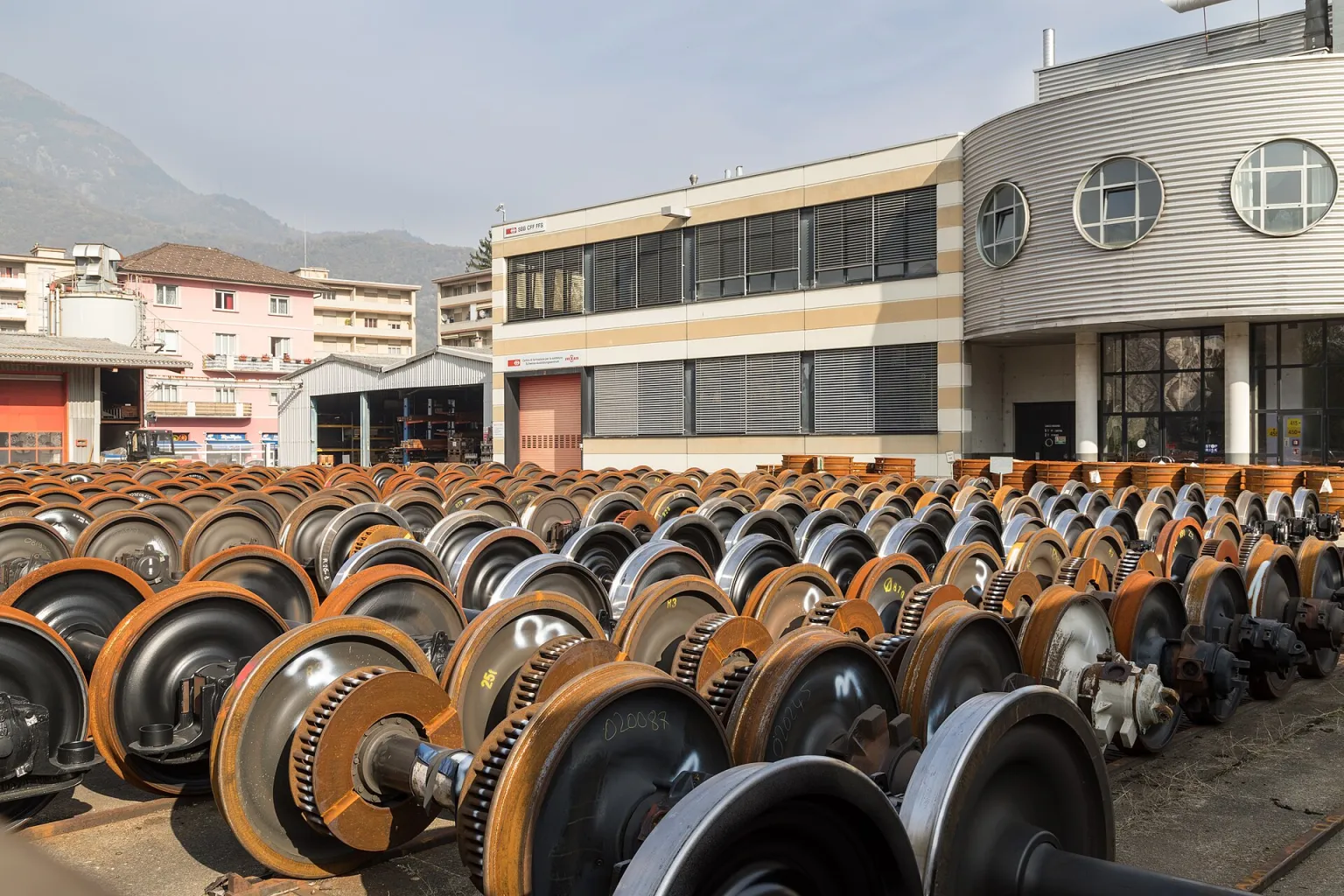
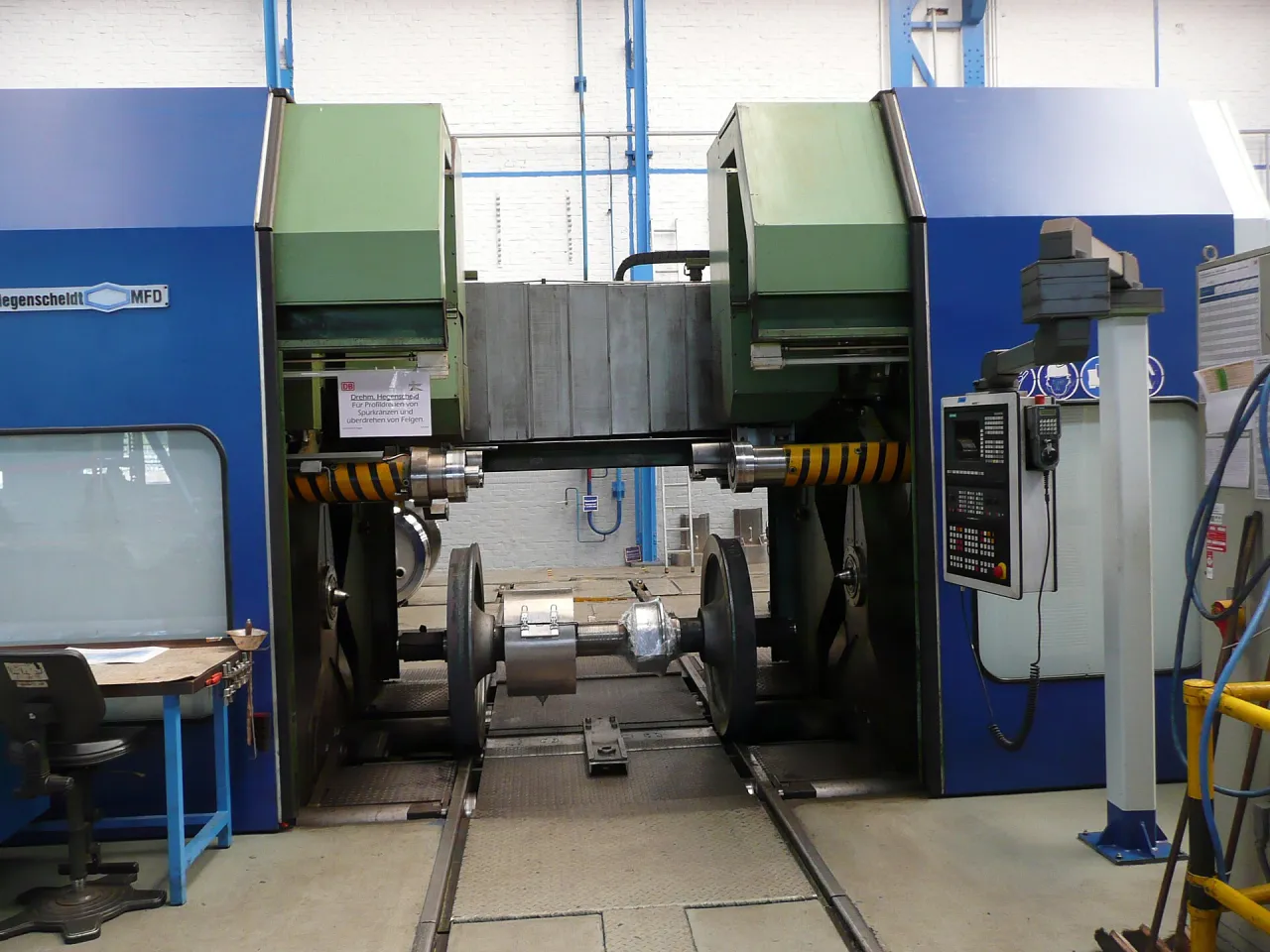
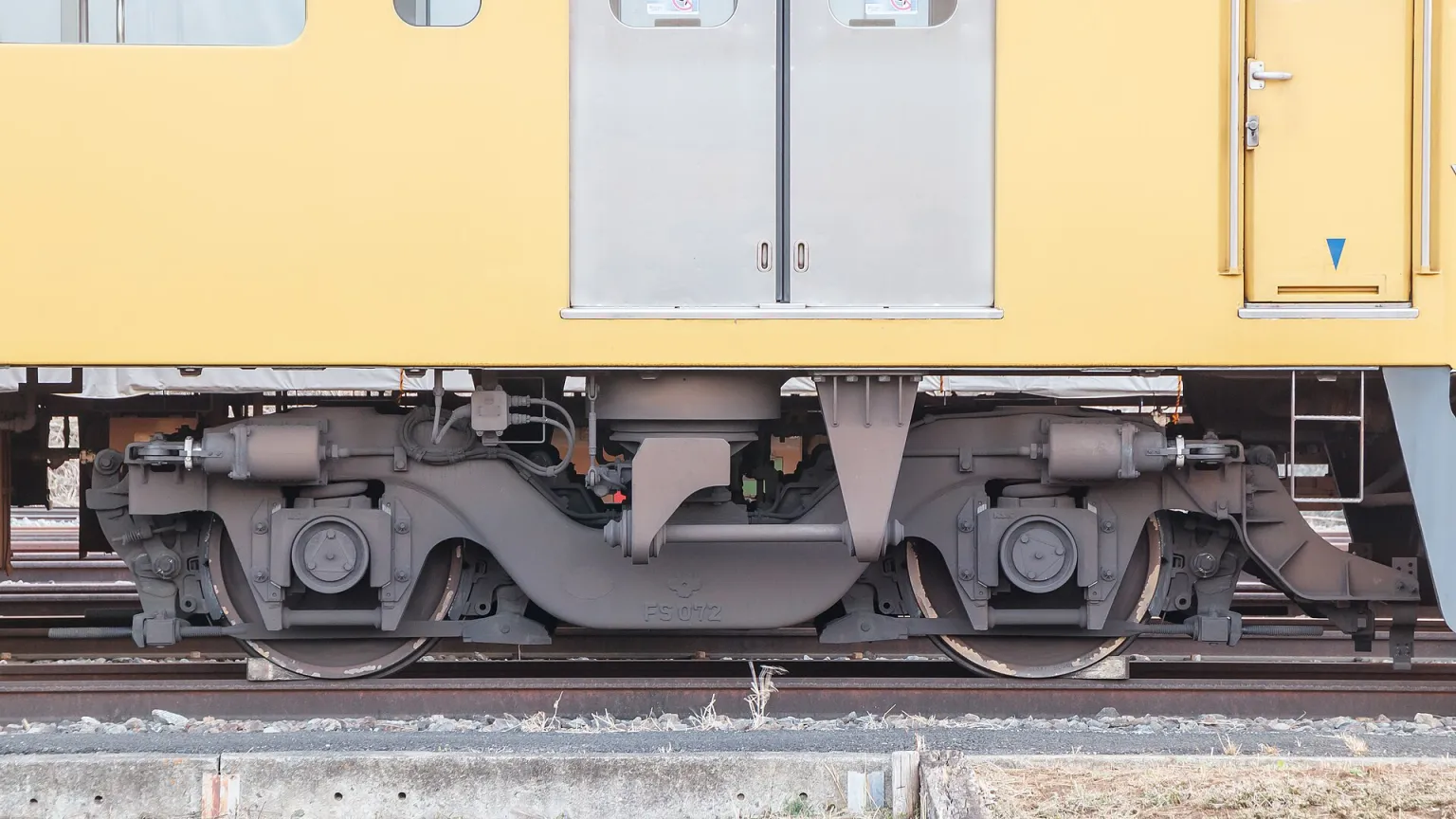
Every dimension WheelHub trends traces back to real rolling stock — measured in the depot, re-profiled on the wheel lathe, and tracked through the bogie it rides under.
What WheelHub reads
The export is a flat list of measured points, in the order the gauge scanned them. It does not record which carriage, bogie or axle each reading came from. Your measurement plan does — so every reading lands on the right wheel in the hierarchy your team already thinks in, without guessing from point names.
<calipriexport name="HCMT_WHEEL_1" version="3.0"> // measurement plan = name<session operator="…" depot="…" date="…"><measurements><point name="90_W1"> // one wheel position<dimension type="FlangeHeight" value="28.4"><dimension type="FlangeWidth" value="32.1"><profile …point cloud…><point name="90_W2"> // …and so onWhat you get back
Once a vehicle is mapped, one upload gives a full read on every wheel.
- Tolerance classification on every dimension, judged against your own measurement plan
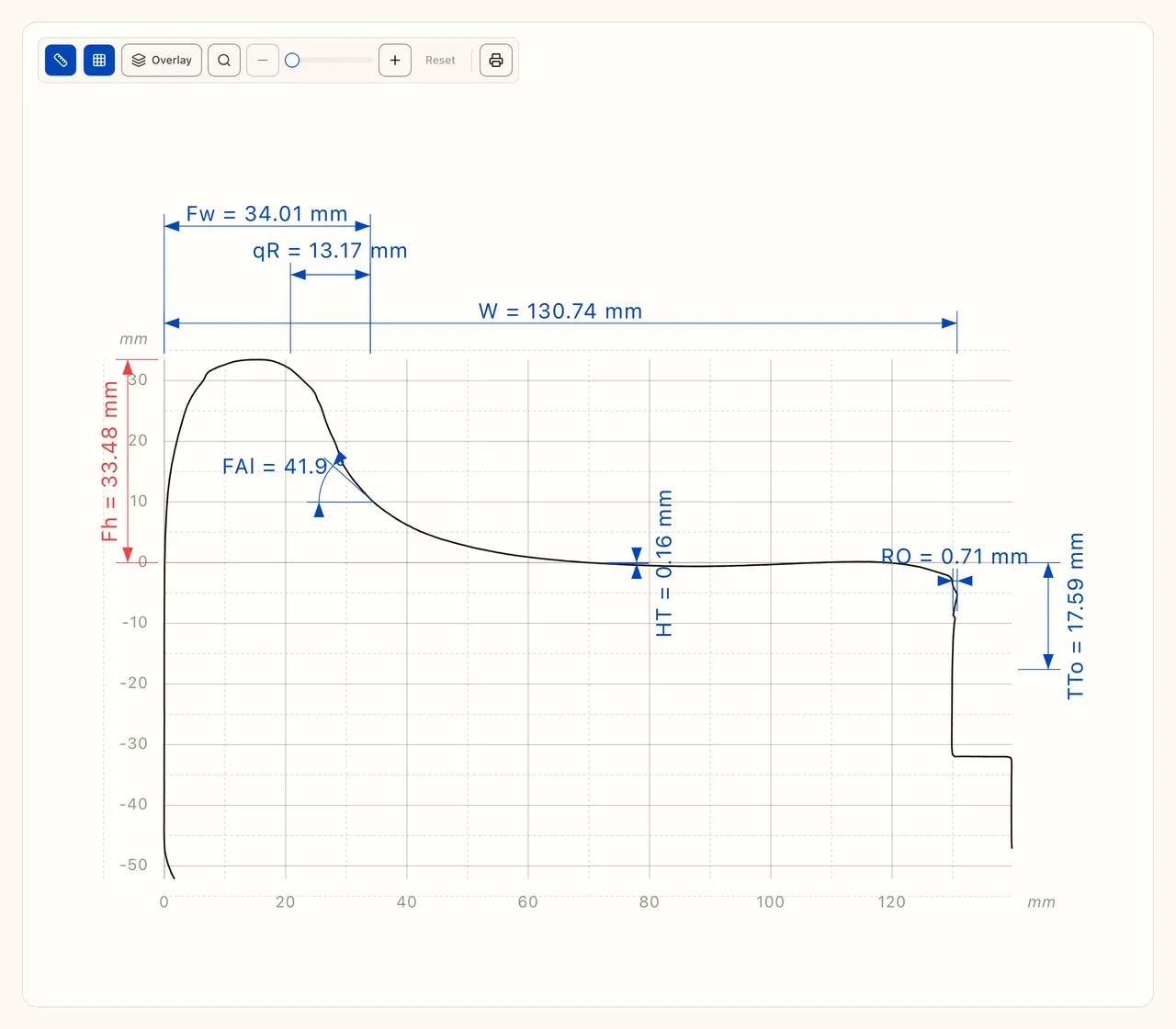
- Drafting-style wheel cross-sections with ISO dimensioning and profile overlays
- Wear trending across inspections, and when each dimension is forecast to reach a limit its measurement plan sets
- Per-wheel lifecycle — identity tracked through machining, switches, and replacement