
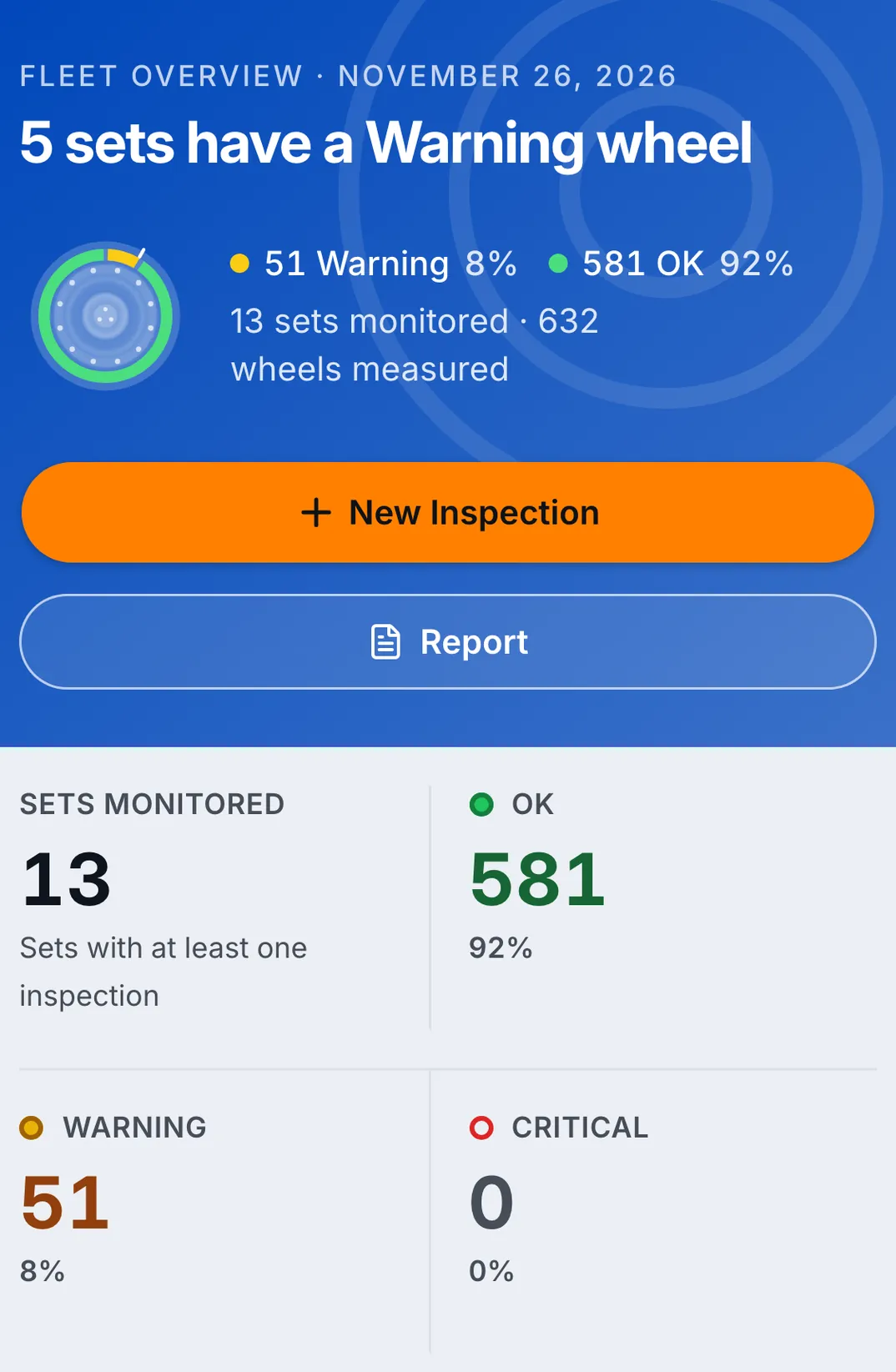
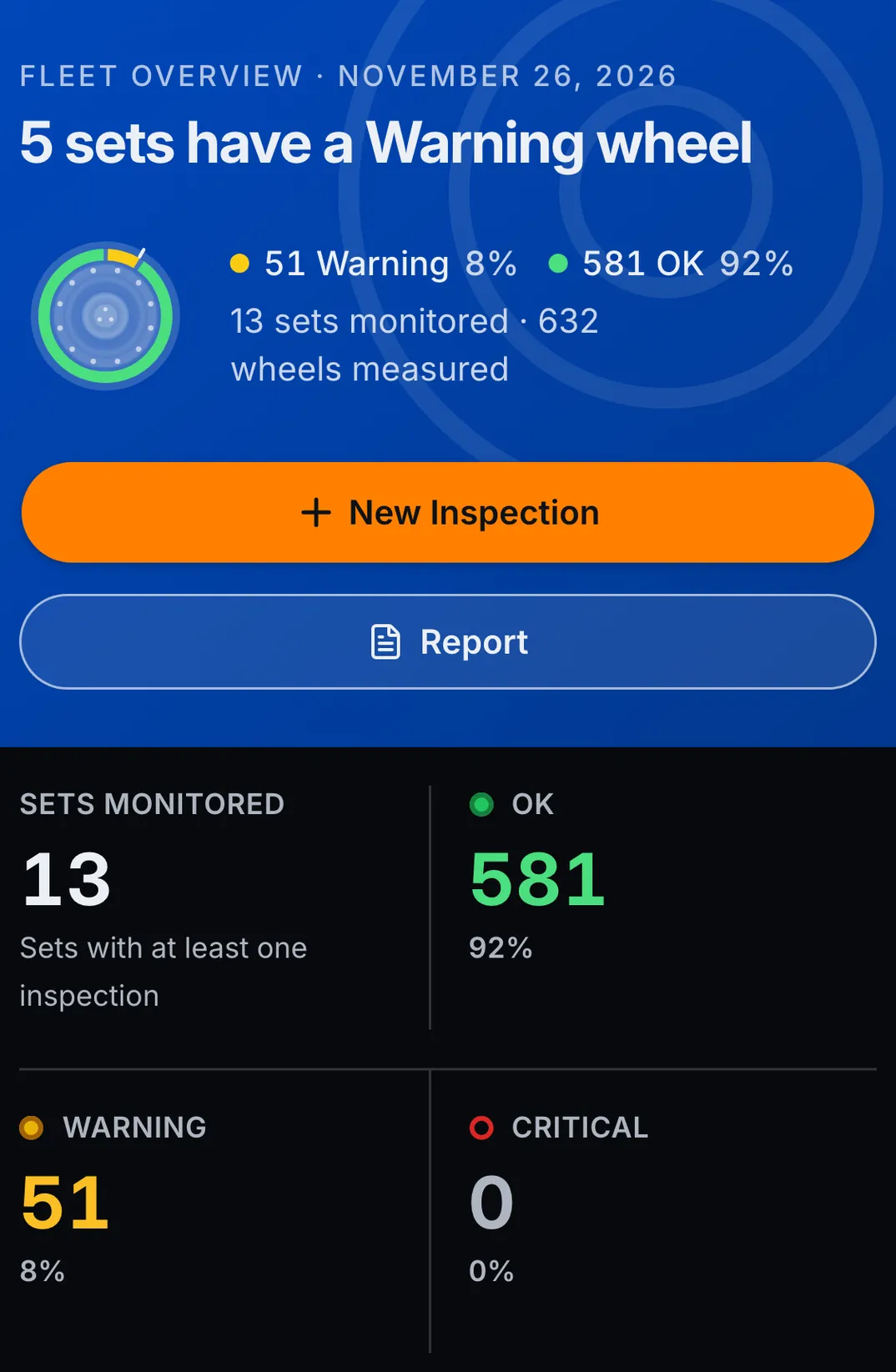
Screens from the WheelHub app, filled with a demo fleet. Every figure comes from readings uploaded or typed in by hand, and each band is the one its measurement plan sets.
For the people who plan lathe work and inspections
WheelHub works from the readings you already take. This is what they show, set by set and depot by depot.
The wheel closest to a limit
Each set names the wheel and the dimension closest to a limit its plan sets, with the room left in millimetres. Each inspection lists the rolling-circle diameter spread on every axle, bogie and car, worst first.
One lathe visit per set
On each set, the wheelsets forecast to need the lathe around the same time are shown together, with what an earlier cut would give up.
Lathe work at every depot
Each depot's forecast lathe work is laid out week by week against the lathe capacity you set for it. Across depots, you can see weeks ahead where the work lands.
Each wheel's life, cut by cut
Each wheel's re-profiling cycles are laid out across its whole life, with how far it ran between cuts and how much diameter each cut took. Where the history supports one, a forecast of the re-profilings still ahead, down to its condemning diameter, is shown with its range and its confidence.
When each inspection interval ends
Each set shows when its inspection interval ends, in days, kilometres or both, under the maintenance document the interval comes from. A date worked out from kilometres is marked as an estimate.
Wheel lifecycle
Each wheel keeps its identity and its history through machining, position swaps and replacement. A reading that wear cannot explain is flagged, and you say what happened. WheelHub never fills that answer in for you. When someone asks for a wheel's history, its page prints as a report.
Forecasts, lathe work and each wheel's re-profiling cycles come with the Professional plan.
Every figure goes back to what was measured
Every wheel reading stays tied to the inspection it came from, with the operator, depot and measurement time it was recorded with, the plan version it was read against, and each position that wheel has held.
Every reading on its wheel
Each reading takes its car, bogie, axle and wheel position from your own measurement plan, never from the names typed on the device. Each inspection is then laid out as the train, every wheel coloured by the band its plan sets. A wheel's rail is named only where you or your plan state it.


Every profile scan, drawn as measured
The profile the gauge recorded is drawn unsmoothed, as a dimensioned cross-section. Each dimension carries its measured value. One outside the OK band is drawn in that band's colour.


Wear over time, and its forecast
Each dimension is trended across every inspection of the wheel. Hand readings and gauge scans share one line. With enough history, a forecast carries the line on, with a widening range and a confidence rating. The forecast is labelled as one, and the decision stays with you.


Three steps from the wheel to the fleet
WheelHub works from the readings you already take, with no new hardware and nothing to integrate.
- Measure as you do todayRun your inspections as you do today, with a profile gauge or with hand gauges. You define your train set once in a guided setup, as your measurement plan, with the limits from your own maintenance documents. WheelHub works from those.
- Upload the export, or type the readings inDrop in the CALIPRI XML (v3.0) export and every reading lands on the car, bogie, axle and wheel your plan sets. WheelHub checks the file against your plan before anything is saved. Or type the readings in, or fill in the CSV template and import it.
- See fleet healthDashboards and each reading's band are ready as soon as an inspection is saved.
Tell us how you measure
WheelHub reads the CALIPRI XML (v3.0) export, and readings typed in by hand or filled into its CSV template. Measure with something else? Tell us what you use. We read every reply, and it helps decide what we support next.
Simple plans that scale with your fleet
Free during beta. Prices are in Australian dollars and show what each plan will cost after beta. Every plan includes 1 depot.